
Documentation Hub
Choose by task. Every section below is canonical, complete, and linked to related workflows.
Getting started
Install quickly, run first commands, and pick stable or prerelease channel.
Core time tracking
Timer workflow, manual entries, edits, templates, and daily/weekly cadence.
Leave management
Single-day and multi-day leave requests with weekend-aware behavior.
Export and import
Move, back up, and restore data safely with conflict controls and dry-runs.
CLI reference
Complete command index with option details and operation examples.
MCP integration
Configure MCP clients and use Waqt tools from AI assistants.
Feature mapping
Landing page features map to these canonical docs:
| Feature | Canonical page | Related references |
|---|---|---|
| One-click timer + entry lifecycle | Core time tracking | CLI tracking commands |
| Vacation and sick leave | Leave management | Leave troubleshooting |
| Export/import and backups | Export and import | Data transfer troubleshooting |
| CLI automation | CLI reference | First commands |
| MCP workflows | MCP integration | Integration commands |
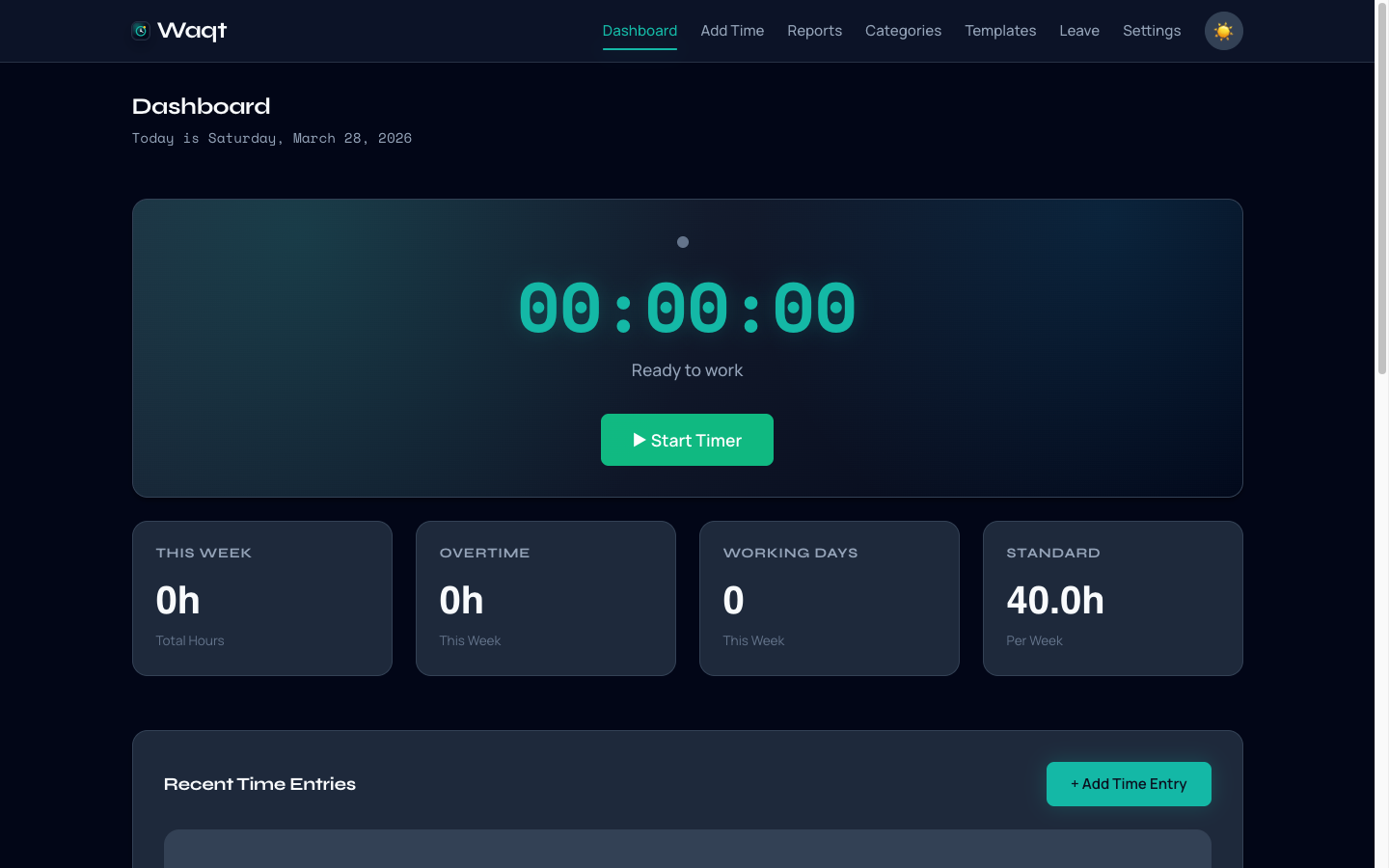
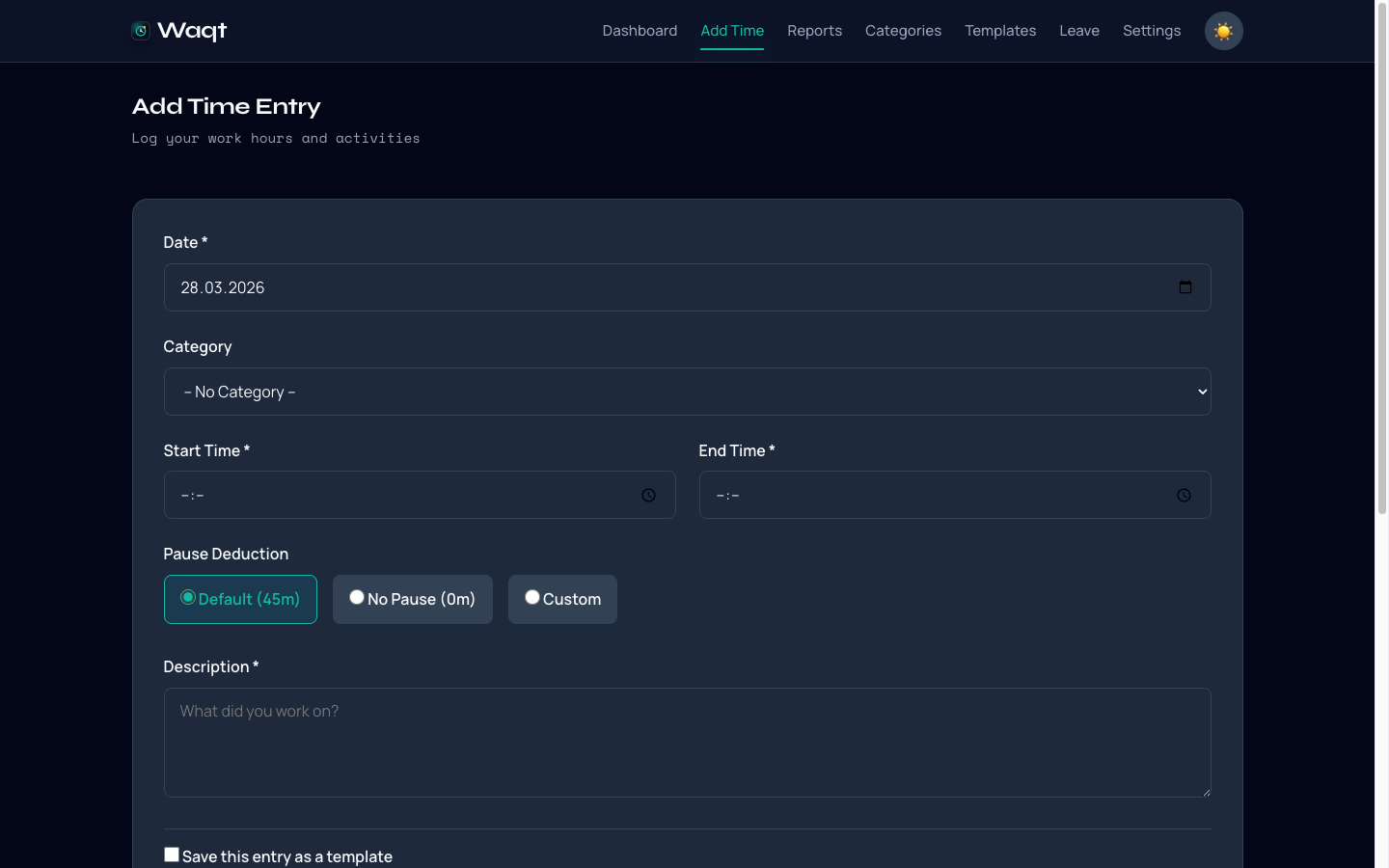
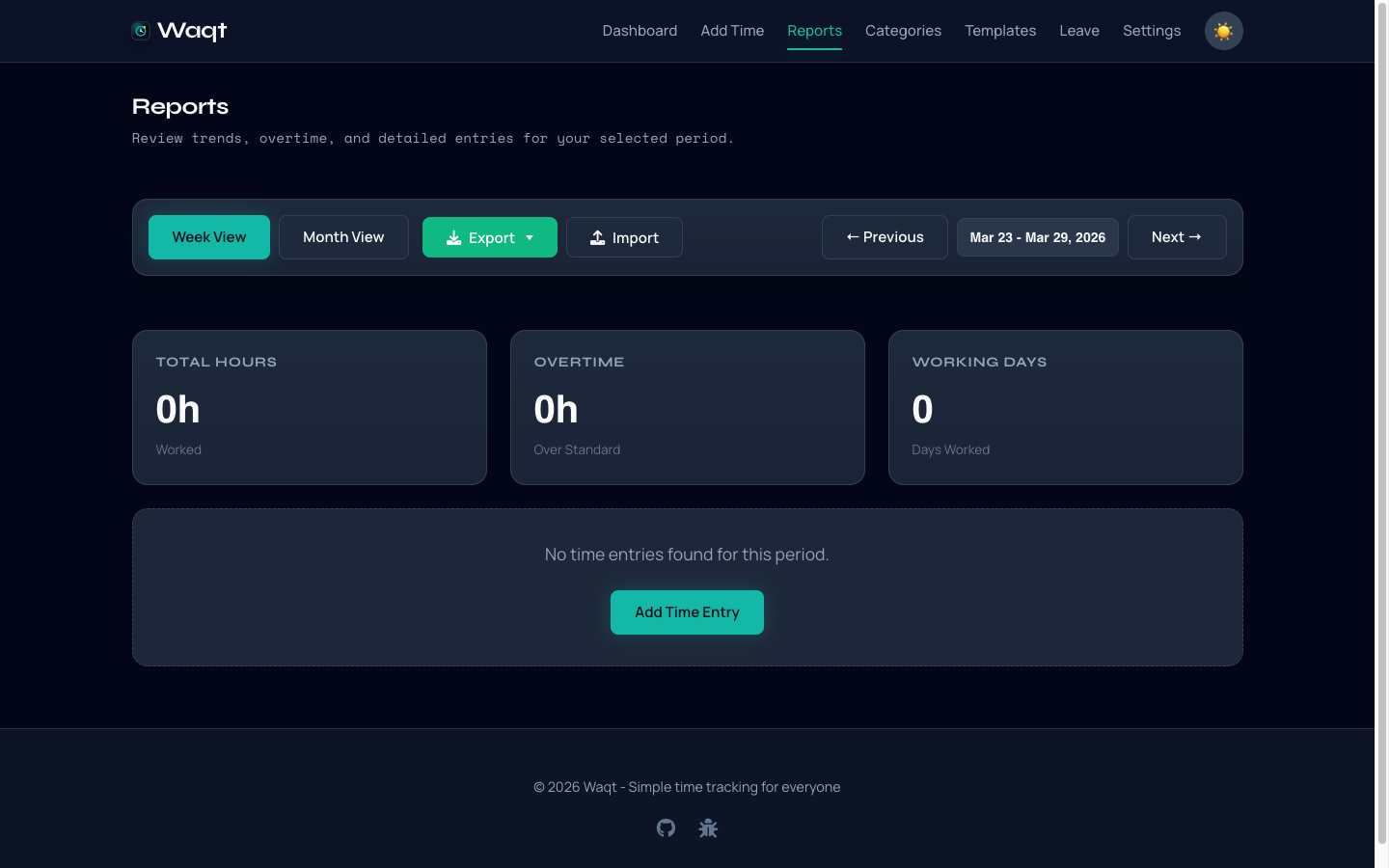
UI Demo
What it looks like in practice:
Troubleshooting
Fix installation, migration, process, and configuration issues quickly.
Report an issue
Need help or found a bug? Open an issue with repro steps and logs.