
Local-first time tracking
Track work hours without SaaS overhead.
Waqt is a portable time tracker with a polished Web UI, fast CLI workflows, and MCP integration for AI assistants. Your data stays local in SQLite.
Why teams adopt Waqt
- • One-click timer with pause/resume and calendar visibility
- • CLI for fast scripting, automation, and power users
- • Multi-day leave tracking with weekend exclusion
- • Export/import flows for backup and migration
- • MCP server for AI-assisted workflows
Feature overview → canonical docs
Full documentation mapCore time tracking
Start, pause, resume, stop, and edit entries across UI + CLI.
Leave management
Vacation and sick leave with multi-day requests and weekend exclusion.
Export + import
CSV/JSON/Excel exports, conflict modes, and migration workflows.
CLI reference
Command catalog with options for daily operations and automation.
MCP integration
Connect Waqt to MCP clients and use tool-based AI workflows.
Troubleshooting
Fast fixes for setup, migrations, process, and runtime issues.
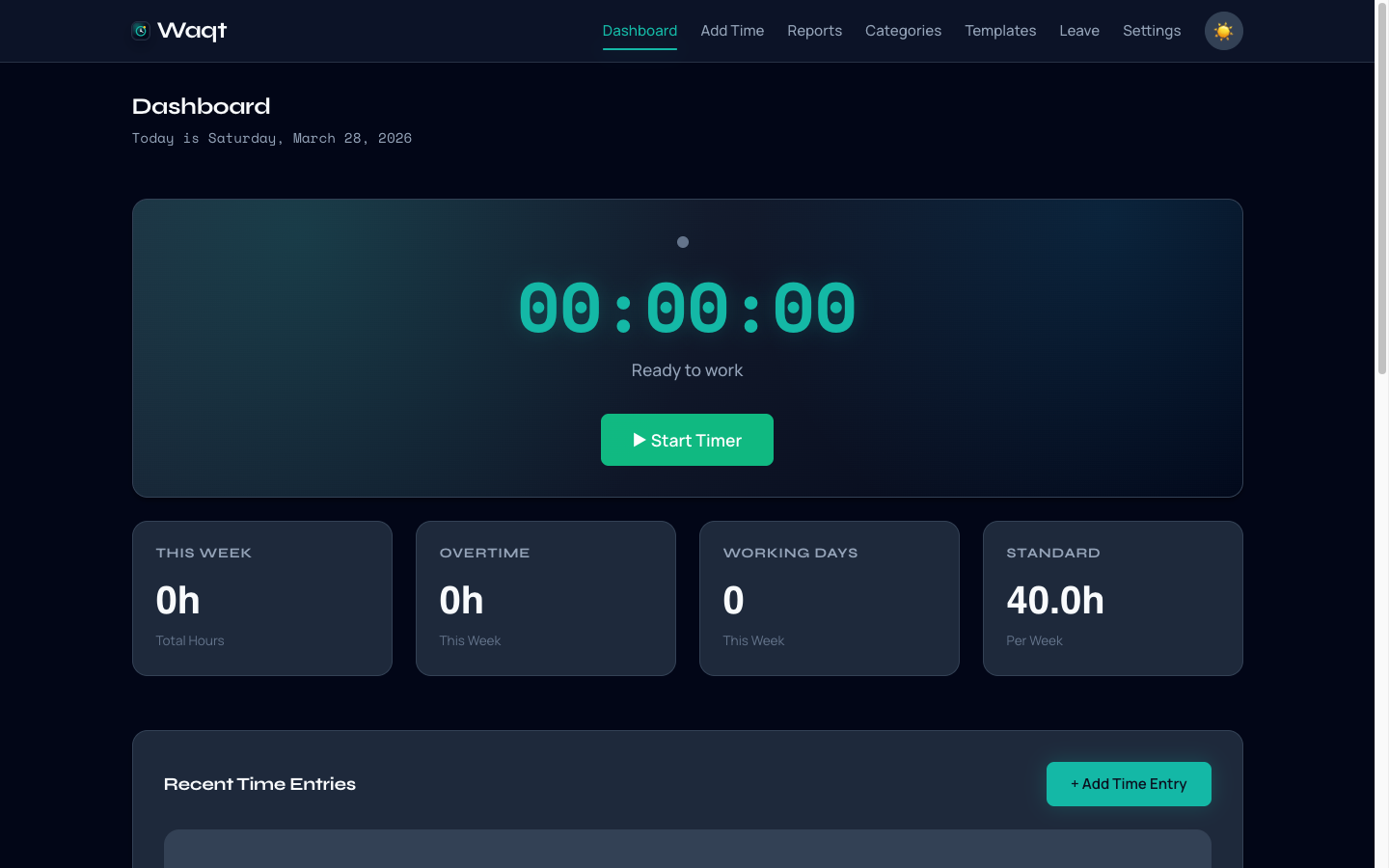
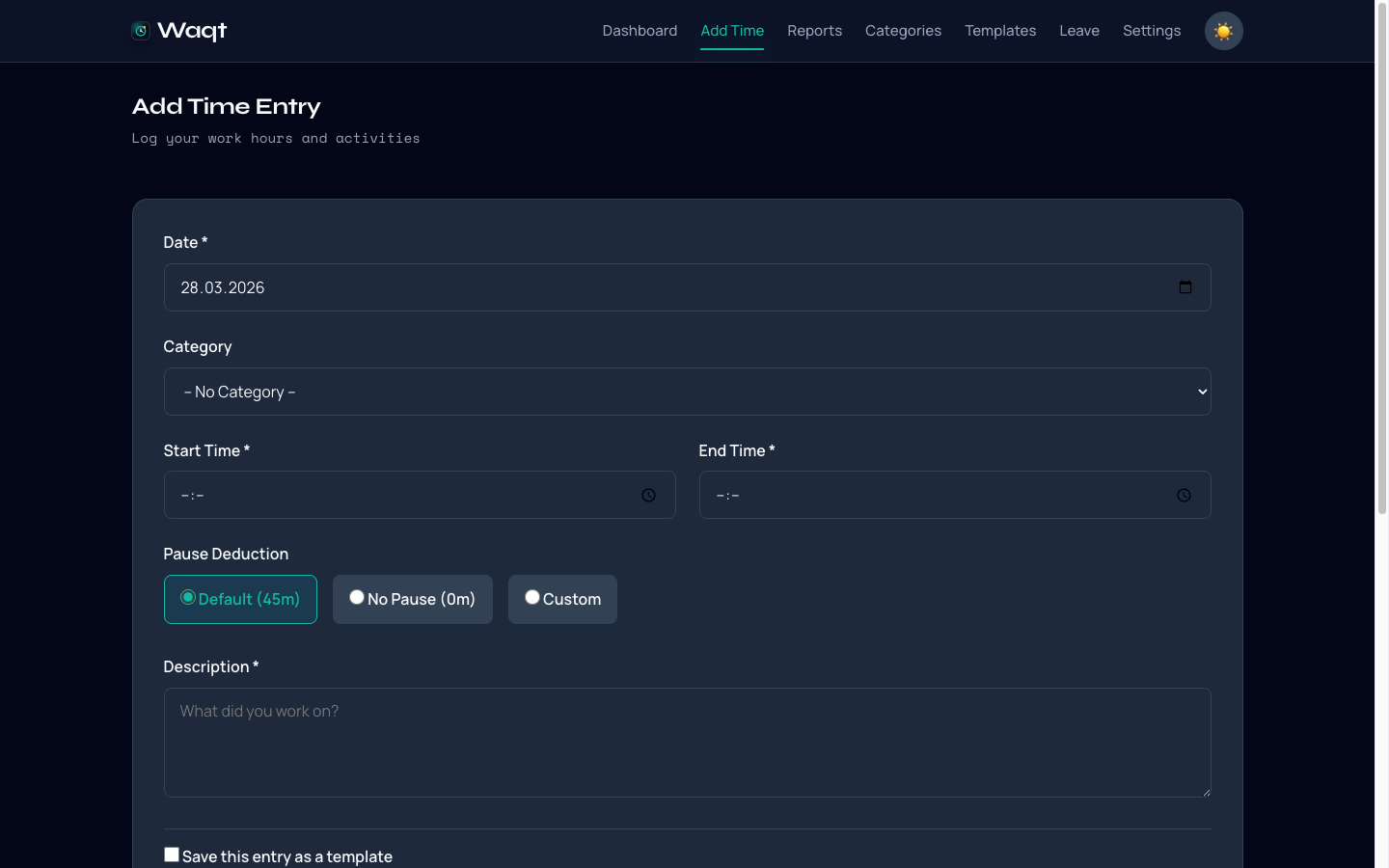
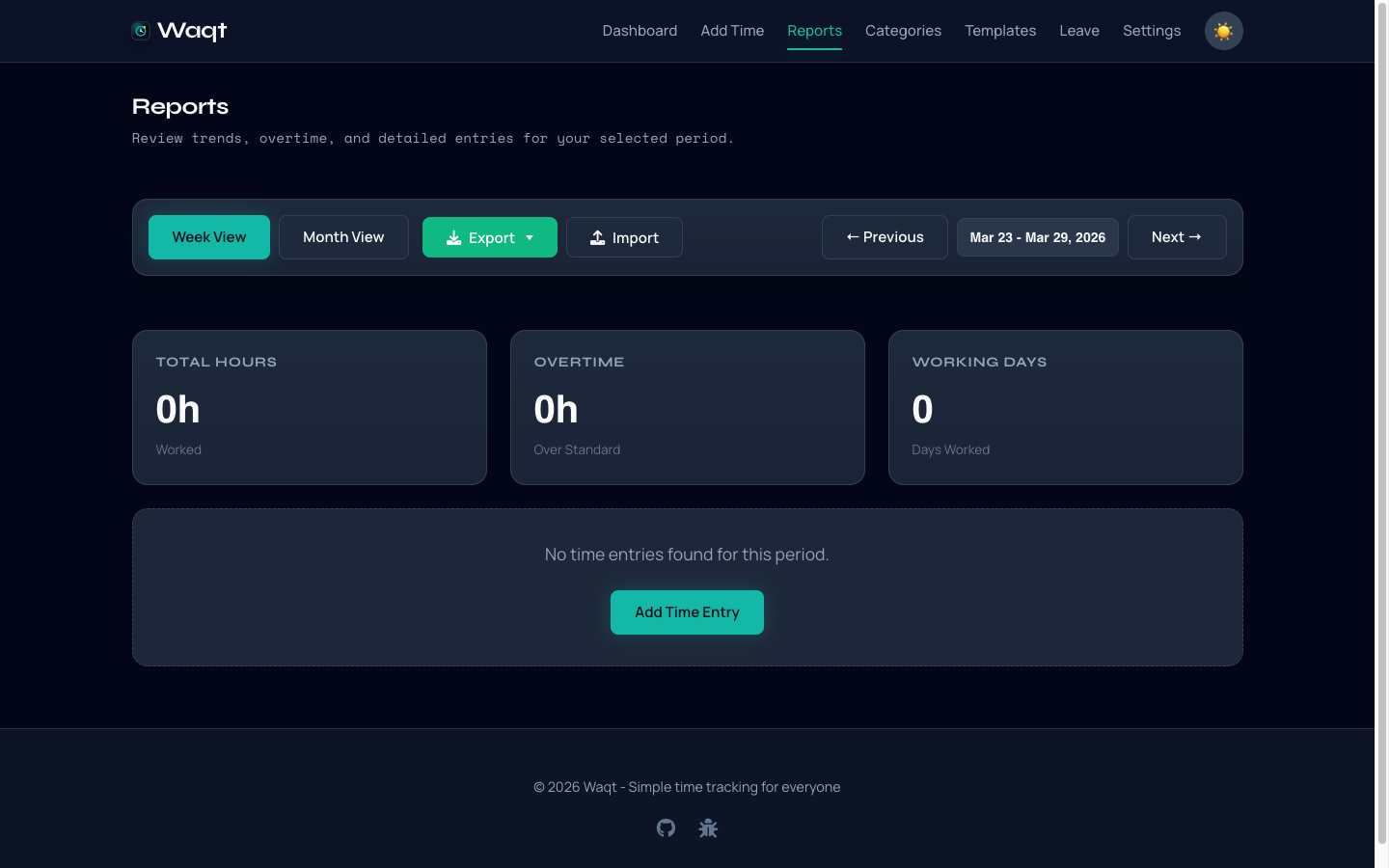
Product demo
A quick walkthrough of the daily flow
From today’s activity snapshot to detailed entries and report insights, these screens show the core Waqt workflow.
Local by default
SQLite storage, portable binaries, and no mandatory cloud dependencies.
Three interfaces
Web UI for visual workflows, CLI for speed, MCP for AI orchestration.
Production-minded
Config management, update channel support, logs, and migration-backed data safety.